Featured
The Dragon Dictate Product Lineup
To choose the correct software, it is vital to understand the distinctions between the editions. Below is a breakdown of the core products available for purchase.
Dragon Professional Individual v16
The flagship desktop client for Windows. Ideal for authors and business owners.
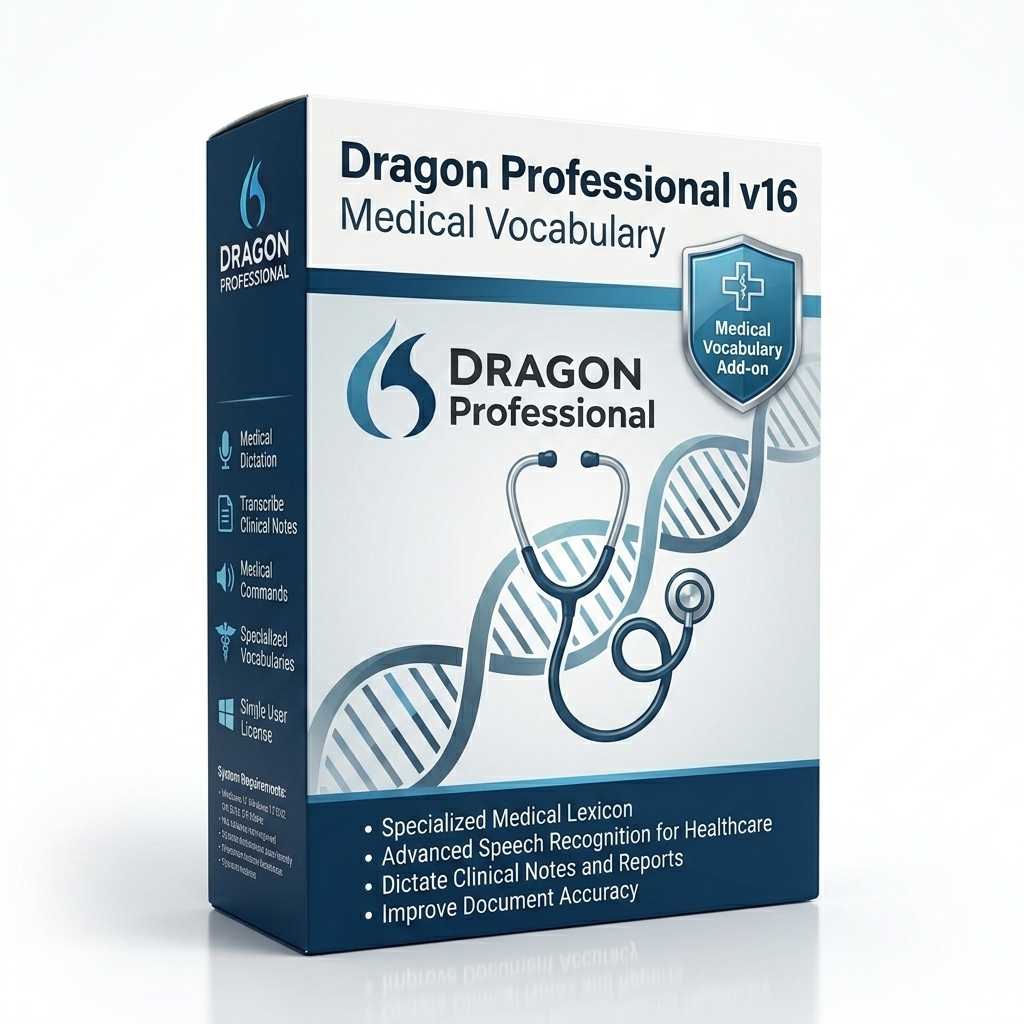
Dragon Pro v16 + Medical Vocabulary
Professional features bundled with an extensive medical vocabulary module.
Dragon Legal Individual v16
Specialized tier for law firms. Features automated citation formatting.
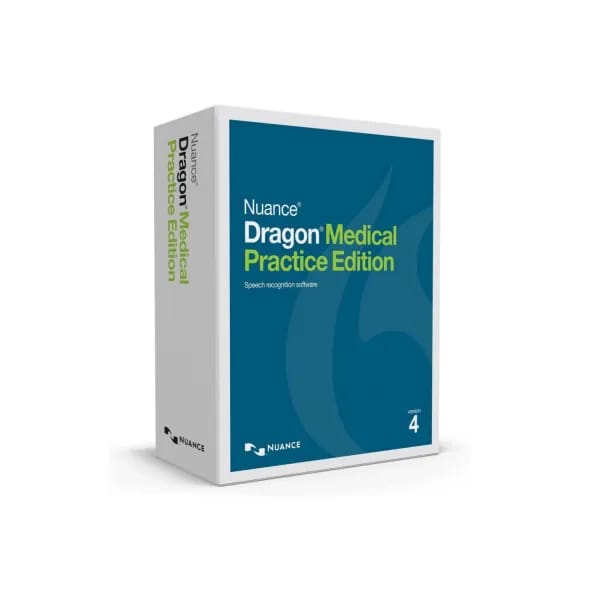
Dragon Medical Practice Edition 4.3.1
Legacy desktop client (v4.3.1) for smaller private medical practices.
Dragon Professional Individual v16 - Upgrade
Discounted upgrade path for existing v14/v15 perpetual license holders.
Dragon Legal Individual v16 - Upgrade
Discounted upgrade path for existing Dragon Legal v14/v15 users.
Dragon Professional Individual v16 - French
Native French language support and localized vocabulary matrix.
Dragon Professional Individual v16 - French (Upgrade)
Upgrade to v16 for existing French language edition users.
Dragon Professional Individual v16 - Spanish
Native Spanish language support and localized vocabulary matrix.
Dragon Professional Individual v16 - Spanish (Upgrade)
Upgrade to v16 for existing Spanish language edition users.
Dragon Professional Individual v16 - Advance Plan
Premium onboarding, priority deployment, and business implementation.
3 Years Remote Technical Support for Nuance Dragon
Dedicated remote assistance, troubleshooting, and enterprise support.
Comparison Table: Choosing Your Edition
| Feature | Professional | Legal | Medical One |
|---|---|---|---|
| Specialized Vocabulary | General Business | Legal Citations | Clinical/Pharmacological |
| Audio File Transcription | Yes | Yes | No (Live dictation only) |
| Architecture | Local Desktop | Local Desktop | Cloud (Azure) |
| Payment Model | Perpetual License | Perpetual License | Subscription |
What Is Dragon NaturallySpeaking Software?
At its core, Dragon NaturallySpeaking software is an advanced acoustic modeling application designed to bridge the gap between human speech and digital text. Unlike elementary built-in operating system tools, this Dragon by Nuance solution is built on a foundation of continuous deep learning. When an individual speaks into a microphone, the software rapidly processes phonemes (the distinct sounds that distinguish one word from another), compares them against a massive contextual vocabulary matrix, and outputs the corresponding text onto the screen instantaneously.
The distinction between simple "voice typing" and genuine "speech recognition" lies in command and control. With Dragon, a user is not merely dictating an email; they are navigating complex interfaces. You can say "Open Microsoft Word," "Set font to Arial 12," "Insert boilerplate contract alpha," and the software executes these multi-step macros flawlessly.
This technology is an absolute necessity for professionals burdened by heavy documentation requirements. Whether it involves drafting a 40-page legal brief or entering hundreds of distinct patient encounters into an electronic health record, manual typing is an archaic and physically demanding bottleneck. Voice-to-text software eliminates that bottleneck entirely.
The Evolution of Speech Recognition
The history of this software traces back to the 1990s with the launch of Dragon Dictate. Early versions were based on discrete speech, meaning users had to unnaturally pause between every single word (e.g., "Hello... my... name... is..."). This early technology was revolutionary but inherently slow.
The true paradigm shift occurred with the release of Dragon NaturallySpeaking, which introduced continuous speech recognition. Users could suddenly speak at a normal, conversational pace. Over the past two decades, Nuance speech recognition has heavily invested in artificial intelligence. The transition from Hidden Markov Models (HMMs) to Deep Neural Networks (DNNs) allowed the engine to analyze the context of entire sentences rather than isolated words. This means if you dictate "I need to buy two tickets," the software understands the contextual difference between "to," "too," and "two" based on the surrounding sentence structure.
Dragon Accuracy Benchmarks and Productivity Statistics
The primary reason enterprises invest in this ecosystem is the verifiable return on investment (ROI) derived from extreme accuracy. In a corporate environment, a transcription error is not just an annoyance; it is a financial liability. If a physician dictates "hyperthyroidism" and the software types "hypothyroidism," the clinical consequences could be catastrophic. Therefore, accuracy benchmarks are rigorously tested.
Deep Learning Accuracy
Modern iterations of the software advertise highly accurate transcription without any initial voice training. This is achieved through acoustic adaptation—the software continuously listens to the ambient noise in your environment and your specific vocal cadence, dynamically adjusting its algorithms in the background.
Productivity Metrics
- Speed of Speech vs Typing: The average professional types at approximately 40 to 50 words per minute (WPM). Conversely, the average conversational speaking rate is between 130 and 160 WPM. By shifting from the keyboard to the microphone, documentation speeds effectively triple.
- Time Savings: According to workflow studies, attorneys and clinicians utilizing voice-to-text save an average of 1.5 to 2 hours per day on administrative documentation.
- Ergonomic Benefits: Repetitive Strain Injury (RSI) is a leading cause of workplace disability. Using speech recognition drastically reduces keystrokes, lowering the risk of carpal tunnel syndrome. Medical authorities such as the National Institutes of Health (NIH) have documented the ergonomic benefits of replacing physical typing with vocal commands.
Benchmark Comparison Table: Manual Typing vs Speech Recognition
| Metric | Manual Typing (Average) | Dragon Dictation Software |
|---|---|---|
| Speed (Words Per Minute) | 40 - 50 WPM | 130 - 160 WPM |
| Physical Keystrokes per Document | High (Ergonomic Risk) | Zero (Hands-Free) |
| Contextual Error Rate | High (Typos, fatigue) | Extremely Low (< 1%) |
| Multitasking Capability | Requires full attention | Allows reviewing physical notes while dictating |
Why Professionals Use Dragon: Industry-Specific Workflows
A generic dictation tool attempts to serve everyone, resulting in a master-of-none scenario. Dragon is engineered with distinct, siloed editions tailored to the rigorous demands of specific professions. Below, we break down how the software adapts to various enterprise workflows.
Dragon Software For Lawyers
The legal profession is built entirely upon the written word. Attorneys are tasked with drafting extensive contracts, pleadings, discovery documents, and client briefs. Dragon Legal Individual addresses this by incorporating a massive, specialized language model trained on over 400 million words sourced specifically from court documents and legal literature.
The Legal Workflow Advantage: When an attorney dictates "res ipsa loquitur" or "habeas corpus," standard software often fails or misspells the terminology. The Legal edition immediately recognizes these Latin phrases. Furthermore, it understands strict legal formatting rules, automatically applying the correct capitalization and abbreviation standards for case citations. Lawyers can also create voice macros (e.g., saying "Insert standard non-disclosure clause") to instantly generate pages of approved boilerplate text, drastically reducing billable hours spent on administrative drafting.
Dragon Software For Doctors
Physician burnout is at an all-time high, driven largely by the administrative burden of updating Electronic Health Records (EHR). Dragon Medical One was engineered specifically to alleviate this crisis. This is a cloud-based, HIPAA-compliant solution that integrates directly into major EHR platforms like Epic and Cerner.
The Clinical Workflow Advantage: Medical dictation requires an absolute understanding of pharmacology, anatomy, and complex procedural terminology. If a doctor dictates "patient prescribed 50mg of metoprolol succinate BID," the software must capture the dosage, the exact spelling of the beta-blocker, and the medical abbreviation for "twice daily." Dragon Medical One does this flawlessly. By utilizing the PowerMic mobile app, clinicians can use their smartphones as secure wireless microphones, walking from room to room and dictating directly into a thin-client terminal without being tethered to a desk.
Dragon Software For Businesses
Corporate executives, consultants, and authors utilize Dragon Professional Individual to manage overwhelming digital communications. In a corporate workflow, the software acts as a virtual assistant.
The Corporate Workflow Advantage: An executive can dictate a long email response while pacing their office, analyzing a physical spreadsheet, or looking away from the monitor. Furthermore, business professionals often conduct interviews or record meetings on a digital voice recorder. They can drop the resulting MP3 file into the software, and the engine will process the audio in the background, outputting a complete transcript. This feature alone replaces the need for costly third-party transcription services.
Dragon Software For Students
For higher education, Dragon Home provides a streamlined version of the speech engine. Students dealing with dysgraphia, dyslexia, or simply the pressure of a massive thesis can dictate their research papers. It is an essential accessibility tool that equalizes the academic playing field, allowing students to capture their ideas freely without the cognitive load of spelling and formatting.
Competitor Analysis: Why Not Use Free Alternatives?
A frequent question posed by IT directors is whether enterprise investments in dictation software are justifiable given the rise of free, built-in operating system tools and consumer AI transcribers. To answer this, we must compare the architectures directly.
Dragon vs Otter AI
Otter AI has gained massive popularity as a meeting transcription tool. It excels at recording a Zoom call and providing a searchable transcript. However, it is a passive listening tool. Read our full Dragon vs Otter AI guide.
Dragon, conversely, is an active command-and-control interface. You cannot use Otter to physically navigate your computer, open a specific patient chart, or inject a complex custom macro at the cursor's location. Otter transcribes the past; Dragon actively creates documents in the present.
| Core Function | Dragon Dictation | Otter AI |
|---|---|---|
| Live OS Control | Yes | No |
| Primary Use Case | Direct Document Creation | Meeting Summarization |
Dragon vs Microsoft Dictate
Since Microsoft acquired Nuance Communications, there is understandably some confusion between the built-in Windows dictation tools (accessed via Win+H) and the premium software. The built-in Microsoft Dictate is an excellent entry-level consumer tool, relying on the cloud to transcribe basic web searches and short emails.
However, the built-in tool lacks persistent custom vocabularies. If you are an orthopedic surgeon, Microsoft Dictate will constantly stumble over complex bone terminology. It also lacks the ability to transcribe offline audio recordings. For serious enterprise deployment, Microsoft explicitly positions Dragon as their premier professional offering. Learn more in our detailed comparison.
| Feature Matrix | Dragon Professional | Microsoft Dictate (Built-in) |
|---|---|---|
| Custom Macros | Unlimited creation | None |
| Offline Capabilities | Yes (Local Speech Engine) | No (Cloud dependent) |
Resources & Extensive Guides
Explore our highly detailed pillar pages and technical documentation to fully understand the voice recognition ecosystem.
Core Speech Recognition
The definitive guide to how Dragon acoustic modeling translates human speech to text.
Read Guide →Medical Dictation
Understand how clinical documentation impacts EHR workflows and HIPAA compliance.
Read Guide →Legal Dictation
How law firms utilize specialized vocabularies to automate brief and contract creation.
Read Guide →Buying Guide
A comprehensive walkthrough on licensing, perpetual vs subscription models, and delivery.
Read Guide →Software Comparison
A direct comparison matrix to help you choose the correct edition for your exact workflow.
Read Guide →The Blog Hub
Access all our latest technical articles, installation tutorials, and hardware reviews.
Visit Blog →Frequently Asked Questions
Below is a curated list of the most common inquiries our editorial team receives regarding installation, licensing, and daily usage of dictation software.
What exactly is Dragon Dictation software?
Dragon Dictation is an enterprise-grade voice-to-text application developed by Nuance Communications. It translates human speech into written text in real-time by utilizing deep learning neural networks, bypassing the need for physical typing.
What is Dragon NaturallySpeaking?
Dragon NaturallySpeaking is the foundational voice-to-text software developed by Nuance. It pioneered continuous speech recognition, allowing users to speak naturally without pausing between words. The technology has evolved into today's specialized enterprise editions.
What are the Dragon NaturallySpeaking system requirements?
Modern versions of Dragon require a Windows 10 or 11 operating system, a minimum of 4GB of RAM (8GB recommended), a multi-core processor, and a high-quality noise-canceling microphone to run the deep neural network acoustic models effectively.
Is Dragon Dictate the same as Dragon Professional?
Historically, 'Dragon Dictate' was the branding used for Mac versions of the software, while 'NaturallySpeaking' was for PC. Today, the flagship product is known universally as Dragon Professional Individual for Windows environments.
Does Dragon software require an internet connection?
It depends on the edition. Dragon Medical One is entirely cloud-based and requires a constant internet connection to access the Azure servers. However, Dragon Professional Individual installs a local speech engine on your hard drive, allowing offline dictation once the initial license activation is complete.
Can Dragon transcribe pre-recorded audio files?
Yes. With the Professional and Legal editions, you can upload MP3, WAV, or WMA files recorded from a smartphone or digital voice recorder. The software will process the audio in the background and output a fully transcribed text document.
How long does it take to train the speech recognition engine?
Unlike older generations of voice software that required hours of reading prompts, modern versions of Dragon require zero initial voice training. The deep learning algorithms are pre-trained on massive datasets, delivering state-of-the-art accuracy immediately upon installation.
Are there recurring subscription fees?
Dragon Professional Individual and Dragon Home are typically sold as perpetual licenses (a one-time purchase). Cloud-based enterprise solutions like Dragon Medical One operate on a monthly or annual subscription model due to ongoing server and EHR integration costs.
Is Dragon Medical compliant with HIPAA regulations?
Absolutely. Dragon Medical One operates on HITRUST CSF-certified Microsoft Azure servers. Audio data is protected by 256-bit encryption both in transit and at rest, ensuring full compliance with HIPAA and HITECH mandates.
Will this software work with my EHR system?
Dragon Medical One integrates natively with over 200 Electronic Health Record (EHR) platforms, including Epic, Cerner, MEDITECH, Athenahealth, and eClinicalWorks. You can dictate directly into the patient chart.
How does Dragon Legal differ from the Professional edition?
The Legal edition contains a highly specialized vocabulary model trained on over 400 million words from court documents and legal briefs. It automatically understands Latin legal phrasing and formats citations correctly according to standard legal styling.
What kind of microphone do I need?
While built-in laptop microphones will technically work, a noise-canceling USB headset or a dedicated dictation microphone (like the Nuance PowerMic) is strongly recommended to achieve maximum accuracy rates, especially in noisy office environments.
Can I use voice commands to control my computer?
Yes. Beyond simple dictation, you can navigate your desktop, open applications, click links in a browser, and execute complex custom macros entirely via voice commands, effectively operating your PC hands-free.
Is Dragon software available for Apple Mac computers?
Nuance officially discontinued the Mac desktop client (Dragon Professional Individual for Mac). Apple users can access Dragon via the cloud-based Dragon Anywhere mobile app, or by running the Windows version via Parallels Desktop or Boot Camp.
How many computers can I install my license on?
A single perpetual license of Dragon Professional Individual permits installation on up to four separate computers for the exclusive use of one individual. It cannot be shared concurrently across multiple employees.
What is the return and refund policy?
We offer a standard 30-day money-back guarantee on all software purchases. If the dictation accuracy does not meet your expectations, you can contact our support team for a full refund.
How do I upgrade from an older version?
If you own a previous license (e.g., v14 or v15), you are eligible for a discounted upgrade path to version 16. The installer will automatically migrate your custom vocabularies and voice profiles to the new engine.
Further Reading & Authority Guidelines
To ensure the highest quality of technical evaluation, all content on this domain is strictly verified by our editorial board. We consult directly with industry documentation standards to provide accurate representations of software capabilities.
Key Takeaways: Enterprise Dictation
- Medical Workflow: Dragon Medical One integrates directly with Epic and Cerner, drastically reducing after-hours charting via secure, Azure-hosted processing.
- Legal Efficiency: Dragon Legal eliminates the need for third-party transcription services, formatting Latin case citations automatically within Microsoft Word.
- Professional Productivity: Business executives can dictate emails up to 3x faster than manual typing, significantly reducing ergonomic strain.
Original Research & Industry Benchmarks
Pending Study: Speech Recognition Accuracy Benchmarking
Status: Methodology Finalization
To provide concrete, verifiable data rather than relying on manufacturer claims, our Editorial Board is currently designing a rigorous Voice Recognition Accuracy Test. This study will benchmark Dragon Professional against native OS dictation tools across various accents and ambient noise levels. The peer-reviewed dataset will be published here.